What this worksheet helps children practise
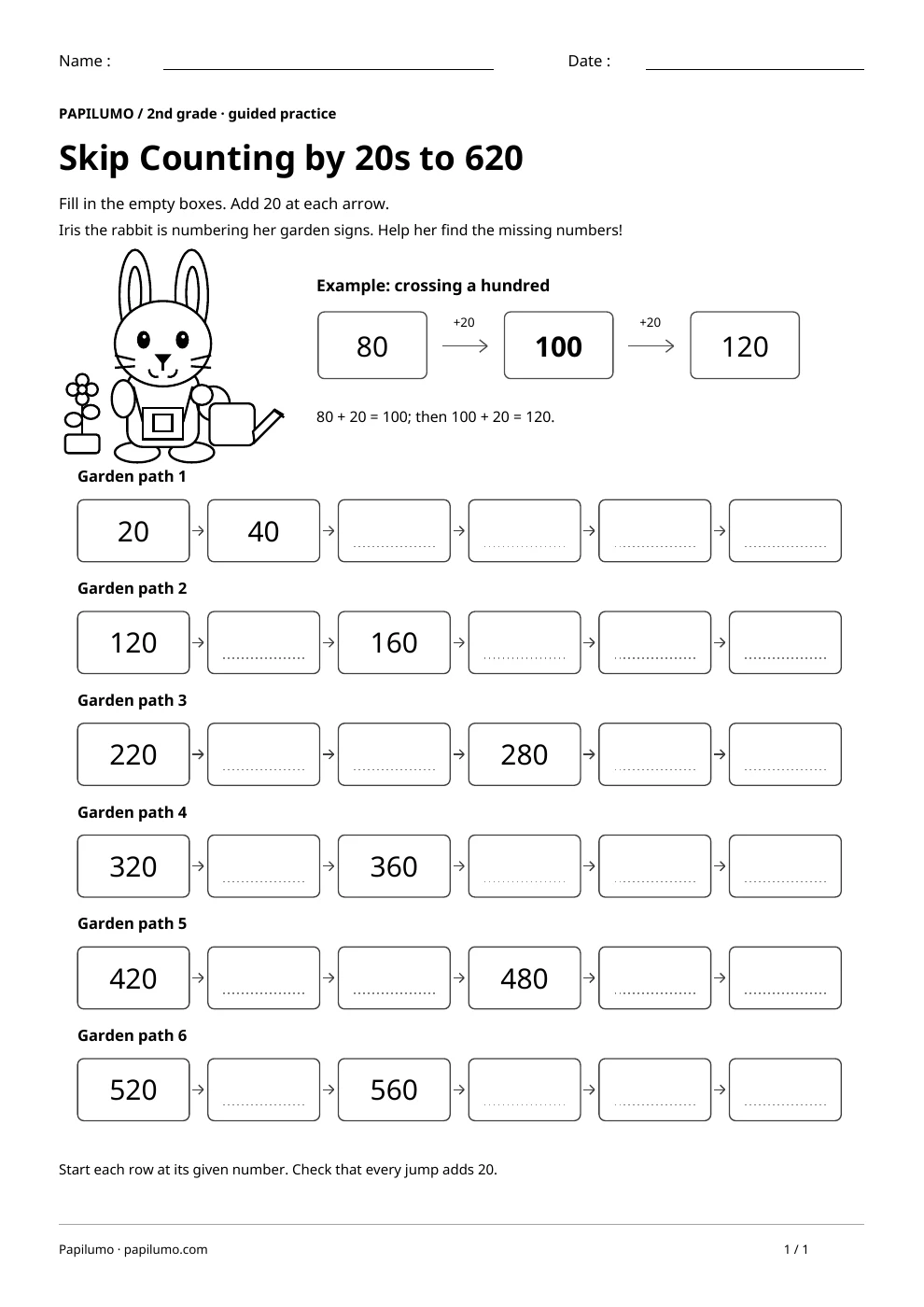
Ask how many tens are being added. Eight tens plus two tens make one hundred.
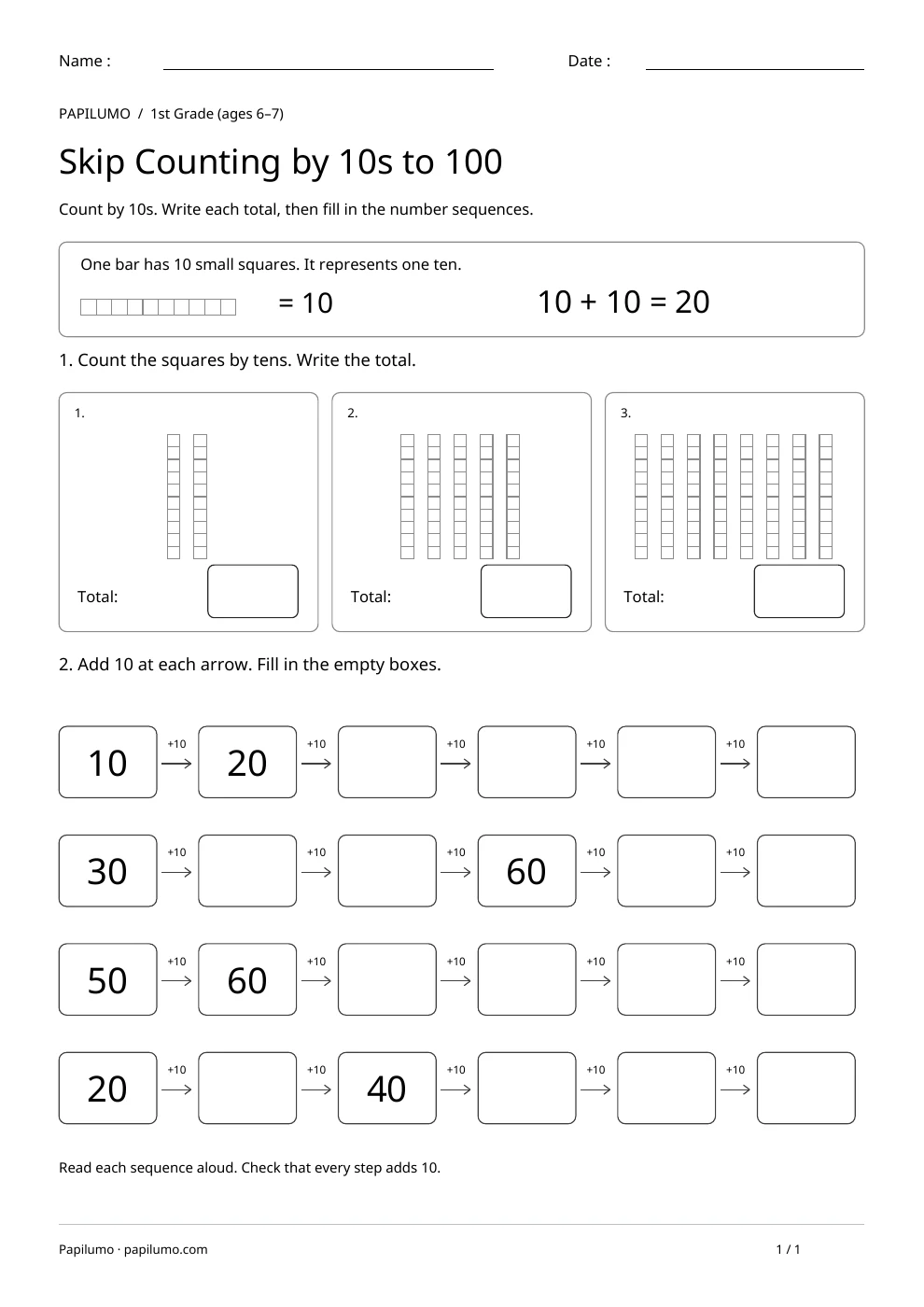
Children add two tens at a time while reading three-digit numbers and following a constant pattern. This is supported second-grade practice for children who already understand tens and hundreds. Counting by twenties extends familiar counting by tens; it is not a claim that every second-grade curriculum names this exact step. At a hundred boundary, the tens regroup rather than forming an extra digit. Every number in these sequences ends in zero. For a related skill, use Skip Counting by 10s to 100: Count by 10s. Write each total, then fill in the number sequences.
Preparing a short session
Print at actual size and provide a pencil and eraser. Introduce Iris and her garden signs, then ask what each arrow means. Use two ten-rods or make two jumps of ten on scrap paper before combining them into one jump of twenty. Work on one or two rows first if the whole page feels demanding. The activity does not require cutting, coloring a code or finishing within a time limit.
A concrete example to get started
The model begins with 80. Adding two tens gives ten tens, which make 100. Another twenty gives 120. In the first row, 20 and 40 are printed; the missing numbers are 60, 80, 100 and 120. In the second row, 120 and 160 have one empty box between them. That box is 140 because each arrow adds twenty, not forty.
Supporting the activity
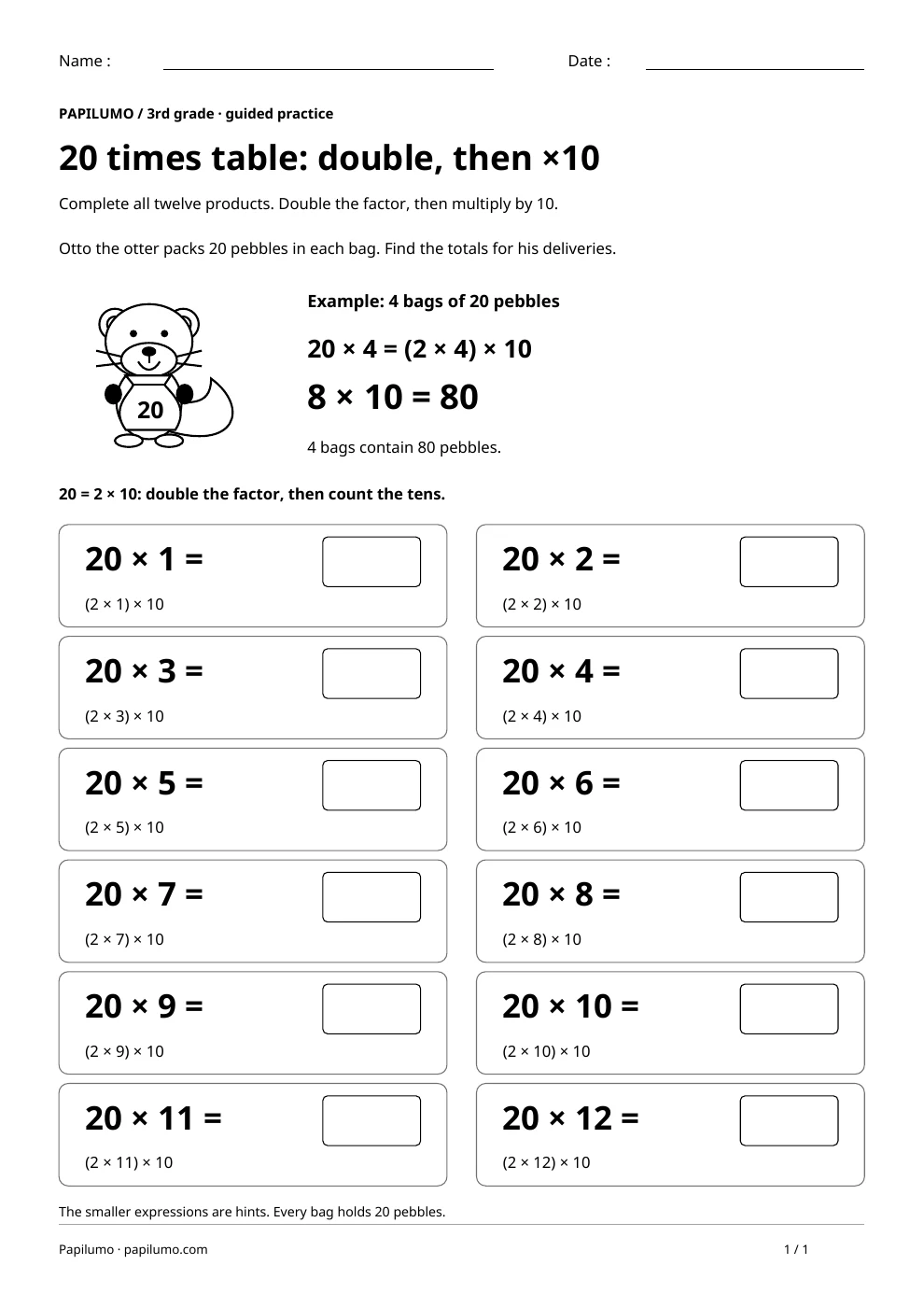
Follow the arrows from left to right. The rows begin at 20, 120, 220, 320, 420 and 520. A row’s final number is repeated as the next row’s starting number, so do not add an extra twenty when moving down the page. Read all six numbers aloud after completing a row. The last row ends at 620. All numbers face the same direction, with large boxes for three-digit answers. To vary the practice, try 20 times table: double, then multiply by 10: Complete all twelve products. Double the factor, then multiply by 10.
What to notice and how to check
Check the difference between every pair of neighboring boxes, including the printed clues. Writing 90 after 80 suggests a jump of ten instead of twenty. Writing 820 suggests joining digits rather than adding. Return to the two ten-rods and the worked example. The separate answer key shows every row, with the missing answers in bold. Ask the child to explain one hundred-crossing before moving to another row.
Making the task easier
Complete just one row. Make two smaller jumps of 10 for each arrow of 20.
Keep the learning aim, but reduce how much the child has to handle at once. Cover part of the page with another sheet and reveal one task at a time. Demonstrate a separate example, then leave a real opportunity to work something out. An answer reached with support is still a useful attempt; it does not yet show that the same task can be completed independently.
Taking the idea beyond the worksheet
Read a completed row backward, subtracting 20 at each box.
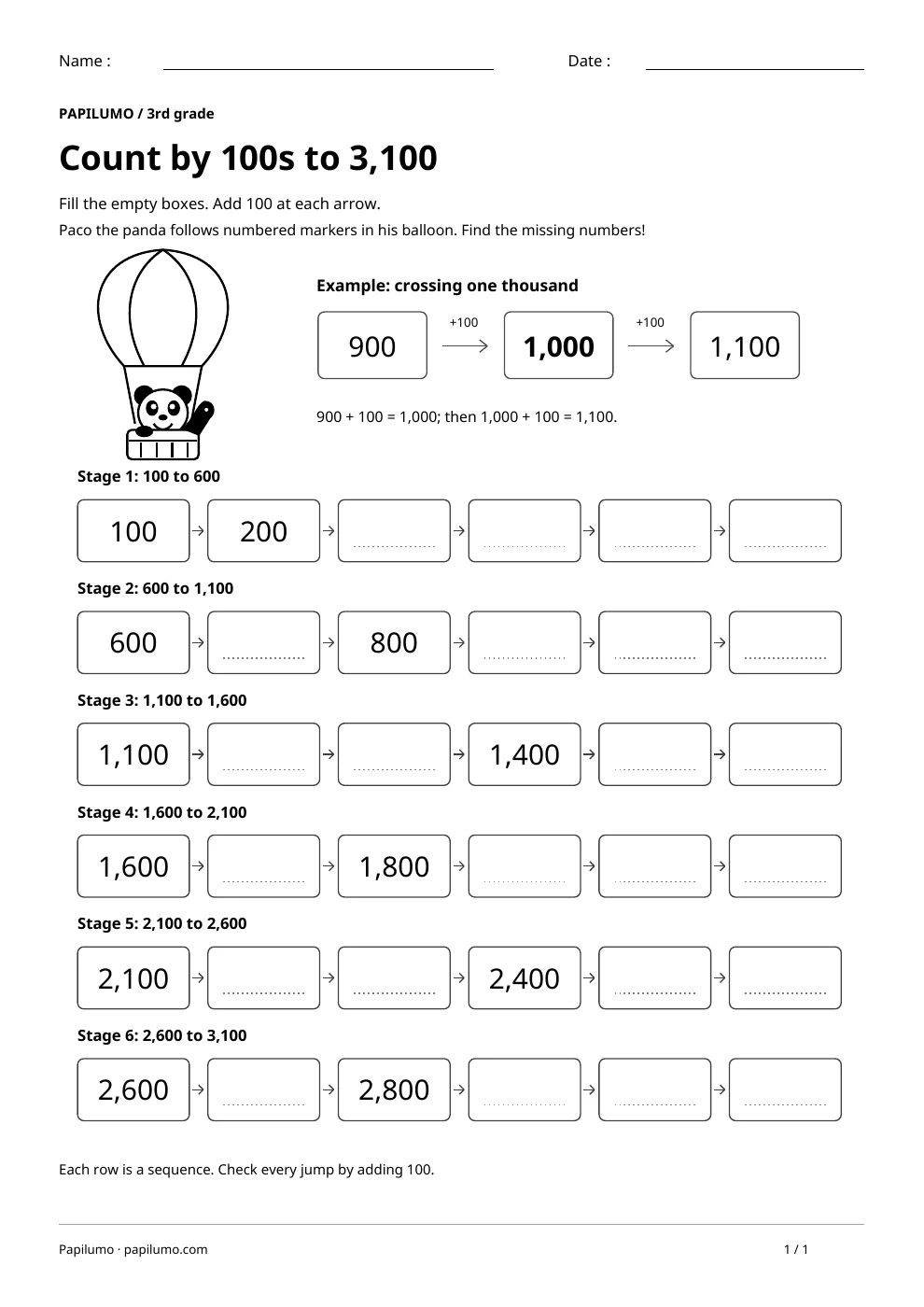
Use the follow-up to meet the same idea in a different setting. Offer it once the first task makes sense, without insisting that the whole page must be perfect. The child might explain a strategy, make an example or set a challenge for an adult. Return to the worksheet only when it helps connect the two situations. A short conversation or a practical activity can be enough to finish the session. To continue exploring, use Count by 100s to 3,100 with Paco: Fill the empty boxes. Add 100 at each arrow.
Downloading and printing the PDF
This free PDF contains one worksheet designed for A4 paper. Download the file using the button on this page and open it in your PDF reader. Choose actual size or a 100% scale, check the orientation in the print preview and turn off any browser headers or footers. The illustrations use vector lines, so their outlines stay sharp when printed. Check the margins on one copy before preparing several sheets for a group. The level shown on the page is a guide, rather than a requirement to complete the activity at a particular age.