

What this worksheet helps children practise
Each arrow moves one square right or up the page. Move a counter from the robot, following the seven arrows from left to right.
Use a small counter to mark the current square and point to each arrow as it is followed. The starting square is the initial position, not the first step. If the destination seems wrong, replay the sequence and check one movement at a time, keeping the counter and the instruction pointer in sync.
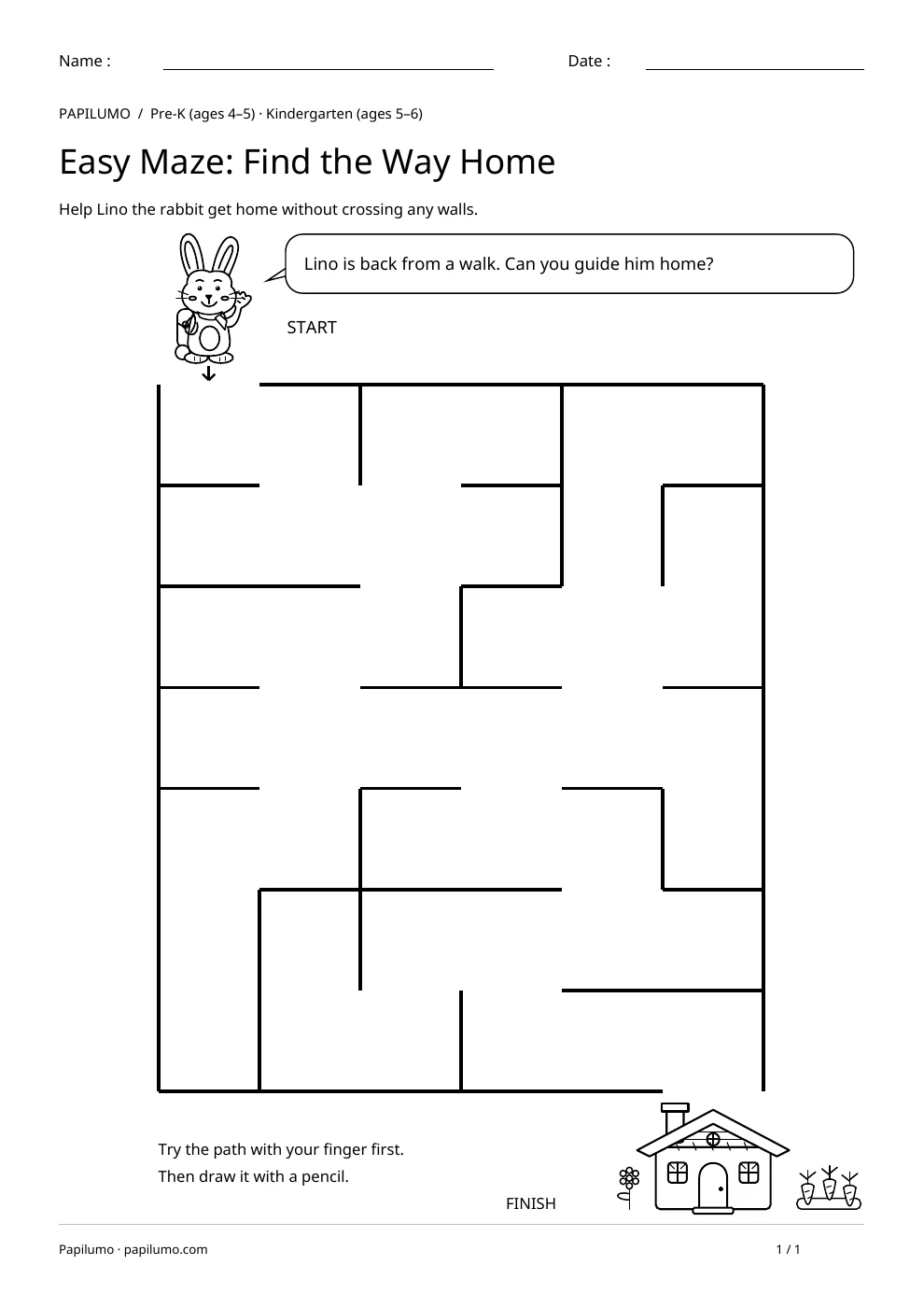
Shape and logic activities ask children to notice useful information and choose a rule for acting on it. Depending on the worksheet, they compare outlines, arrange items or take account of several clues. Pictures support the thinking, but children still need to distinguish features that matter from decoration. Asking for an explanation helps reveal the strategy being used. A correct answer found by chance and an answer reached by pointing to evidence do not tell you the same thing about what to offer next. The aim is to make a choice that the child can explain in an accessible way. For a related skill, use Easy Maze: Find the Way Home: Help Lino the rabbit get home without crossing any walls.
Preparing a short session
Put the page on a stable surface with a sharpened pencil and enough room for the child to move their hand. Look at the whole sheet together before asking for an answer. Point out the places for looking, drawing or writing. Read the instruction once, then invite the child to explain what they will do in their own words. This can reveal a misunderstanding before the first attempt. Choose a moment when there is time to think calmly, without making the worksheet into a race against the clock.
A concrete example to get started
On a practice grid, place a counter and give two commands: move one square right, then one square towards the top of the page. Move it once for each arrow. This prepares reading the program; the destination on the worksheet requires following all seven printed moves.
Supporting the activity
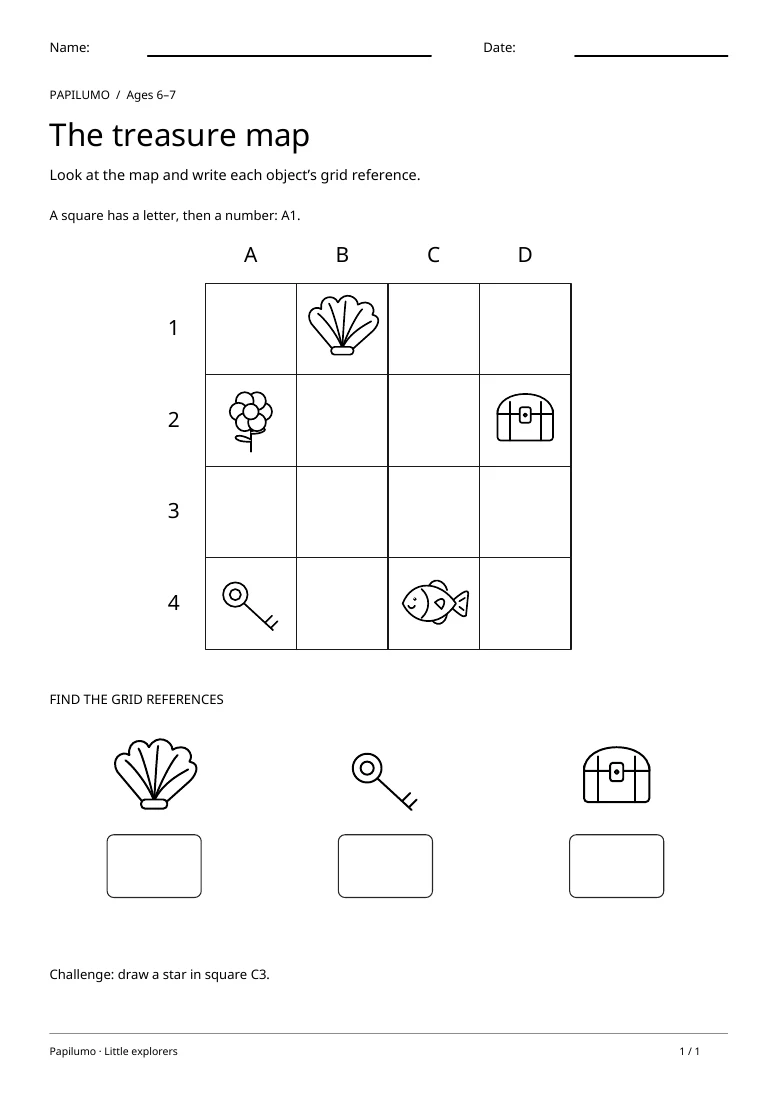
Before the child answers, identify the items that can be compared or moved. Make the first attempt reversible: pointing, placing a card or using a counter leaves room to change an idea. Ask which clue helped and whether that choice still fits the other information on the page. If several possibilities seem suitable, return to the instruction rather than immediately giving the solution. An error can then become a suggestion to examine instead of something to erase without discussion. When the activity uses cut-out pieces, leave enough space around them to see each option clearly, and only fix them in place after checking the arrangement. To vary the practice, try Grid Coordinates Worksheet: Treasure Map: Look at the map and write each object’s grid reference.
What to notice and how to check
To check the work, use the rule with the pictures that are actually visible. Invite the child to show a comparison or follow the arrangement they have made. A difficulty might come from vocabulary, visual tracking or the rule itself, and each needs a different kind of help. Explain an unfamiliar word without choosing the answer. If a piece appears to be in the wrong place, look at the feature that makes it different from the others. A few words and gestures can provide a good explanation; speed and a polished verbal answer are not the main goals of this practice.
Making the task easier
Reveal one arrow at a time.
Keep the learning aim, but reduce how much the child has to handle at once. Cover part of the page with another sheet and reveal one task at a time. Demonstrate a separate example, then leave a real opportunity to work something out. An answer reached with support is still a useful attempt; it does not yet show that the same task can be completed independently.
Taking the idea beyond the worksheet
Invent and test a route from the robot to the key.
Use the follow-up to meet the same idea in a different setting. Offer it once the first task makes sense, without insisting that the whole page must be perfect. The child might explain a strategy, make an example or set a challenge for an adult. Return to the worksheet only when it helps connect the two situations. A short conversation or a practical activity can be enough to finish the session. To continue exploring, use 4 × 4 Picture Sudoku for Kids: Sea Animals: Cut out the eight pictures and complete the grid.
Downloading and printing the PDF
This free PDF contains one worksheet designed for A4 paper. Download the file using the button on this page and open it in your PDF reader. Choose actual size or a 100% scale, check the orientation in the print preview and turn off any browser headers or footers. The illustrations use vector lines, so their outlines stay sharp when printed. Check the margins on one copy before preparing several sheets for a group. The level shown on the page is a guide, rather than a requirement to complete the activity at a particular age.